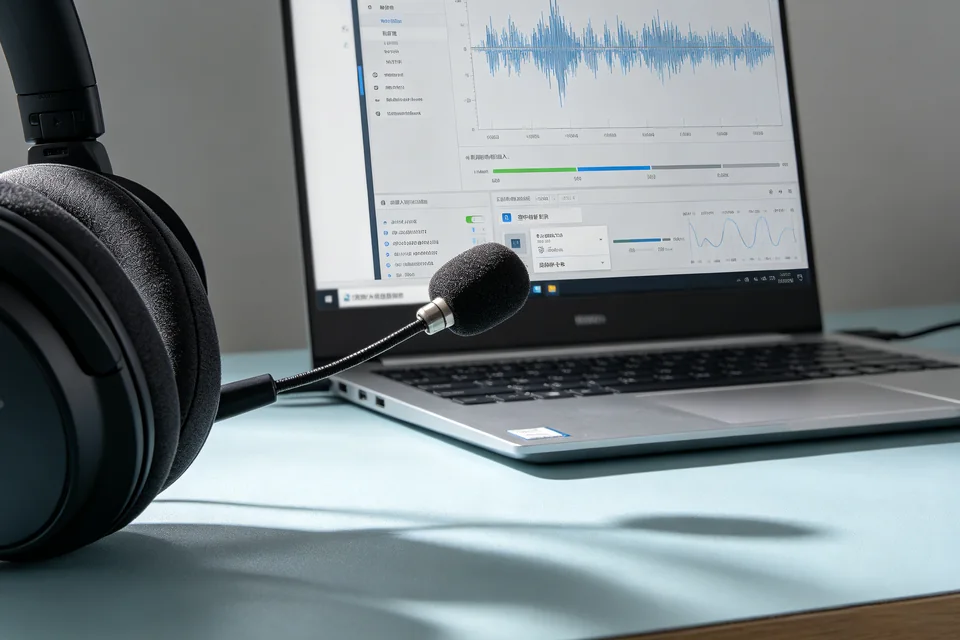
A Windows laptop with a Bluetooth headset on a desk

WINDOWS AUDIO DEVICES

Bluetooth headset connected but silent?

Separate pairing, output, microphone, and hands-free mode, then verify playback and recording on one headset.

  • One headset and one Windows PC
  • Output and microphone tested separately
  • Disconnect and reconnect verified

THE THREE FAILURES WE SEE

What is going wrong?

01

Connected but no sound

Windows shows the headset as connected, but audio still comes from the laptop speakers.

02

Microphone is not detected

Playback works, but the headset microphone is missing from recording devices or apps.

03

Sound drops after reconnect

The headset works once, then disappears or switches to hands-free mode after sleep.

HOW WE TEST
Find the failing layer, then prove the fix.

  1. Set the default output. Open Sound settings and select the headset's stereo output, not a hands-free/communications profile. Check per-app volume and mute.
  2. Test the microphone separately. Choose the headset microphone as input and record a short voice memo. Watch the input meter while speaking.
  3. Remove stale pairings. Unpair old duplicates, then pair once and test. A headset can appear twice with different profiles.
  4. Test reconnect. Disconnect, reconnect, and play the same sample. Check whether the default device changed after sleep.
Windows sound settings showing a Bluetooth headset output and microphone
Playback and recording must both use the intended headset, not a laptop speaker or webcam mic.

SERVICE SCOPE

What is included

Included

  • One Windows PC and one Bluetooth headset
  • Output and microphone selection
  • Profile and duplicate-pairing review
  • Reconnect verification

Not included

  • Hardware repair or battery replacement
  • Buying a new adapter
  • Guaranteeing every app's audio stack
  • Bluetooth radio firmware modification

The session covers one agreed device and one verified path. Anything outside the written scope is quoted separately before work starts.

FAQ

Before you book

Why are there two headset entries?

Bluetooth audio often exposes a stereo output and a hands-free communications profile. Choose the correct one for playback and microphone.

Should I disable hands-free mode?

Not blindly. Use it when the microphone is required; test both profiles and document which one matches the task.

Can you fix a broken headset?

No. We isolate whether Windows, the pairing, or the hardware is failing; physical repair is outside scope.

NEXT STEP

Tell us what is happening.

Send the device, software, exact symptom, and what you have already tried. We will confirm scope and a fixed quote before booking.

No passwords. A real reply comes from hello@handytasklab.com.

FROM THE BLOG

Windows Bluetooth Headset Help Guides

All guides